---
title: Reconciliation
description: Reconciliation
---
[Skip to content](https://support.mywarchest.com/en/compliance/compliance-reconciliation#main-content)
English
Show submenu for translations

Open main navigation
Close main navigation
- English
Show submenu for translations
- Contact us
Contact us
What can we help you with?
- There are no suggestions because the search field is empty.
1. [Compliance](https://support.mywarchest.com/en/compliance?hsLang=en)
2. [Reconciliation](https://support.mywarchest.com/en/compliance/reconciliation?hsLang=en)
# Reconciliation
## Generate Receipt and Disbursement CSVs to reconcile your books Reconciliation - Warchest’s Version.
#### **Reconciliation Tools**
- Navigate to **Reconciliation** from the left toolbar or the Home page shortcut. This view shows your previous reconciliation reports and allows you to pull a new report.
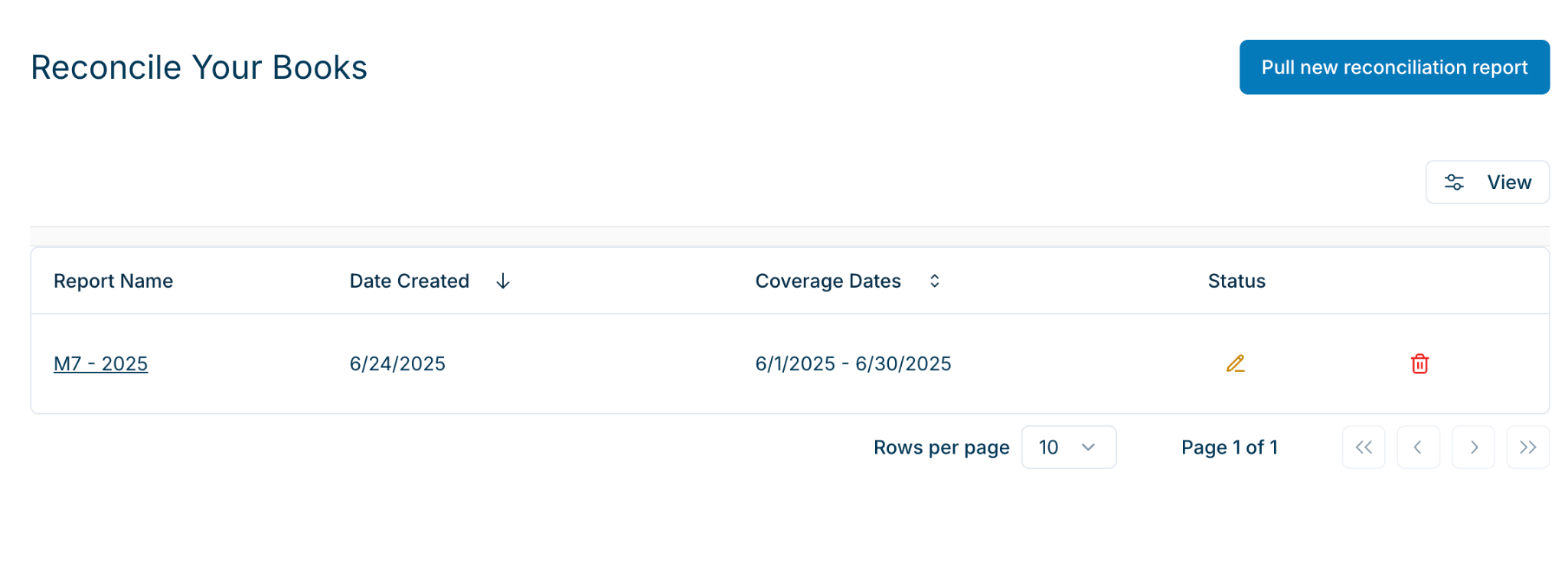
**Pull a new reconciliation report.**
- Enter the Coverage Start Date and Coverage End Date for your report. For example, for a month’s reconciliation, you should enter 08/01/2025 - 08/31/2025.
- Set your coverage dates and Cash on Hand.
- **Note on Cash on Hand -** you can leave this blank, and the app will automatically generate this number based on the data in our system.
- Click “Generate Report.”
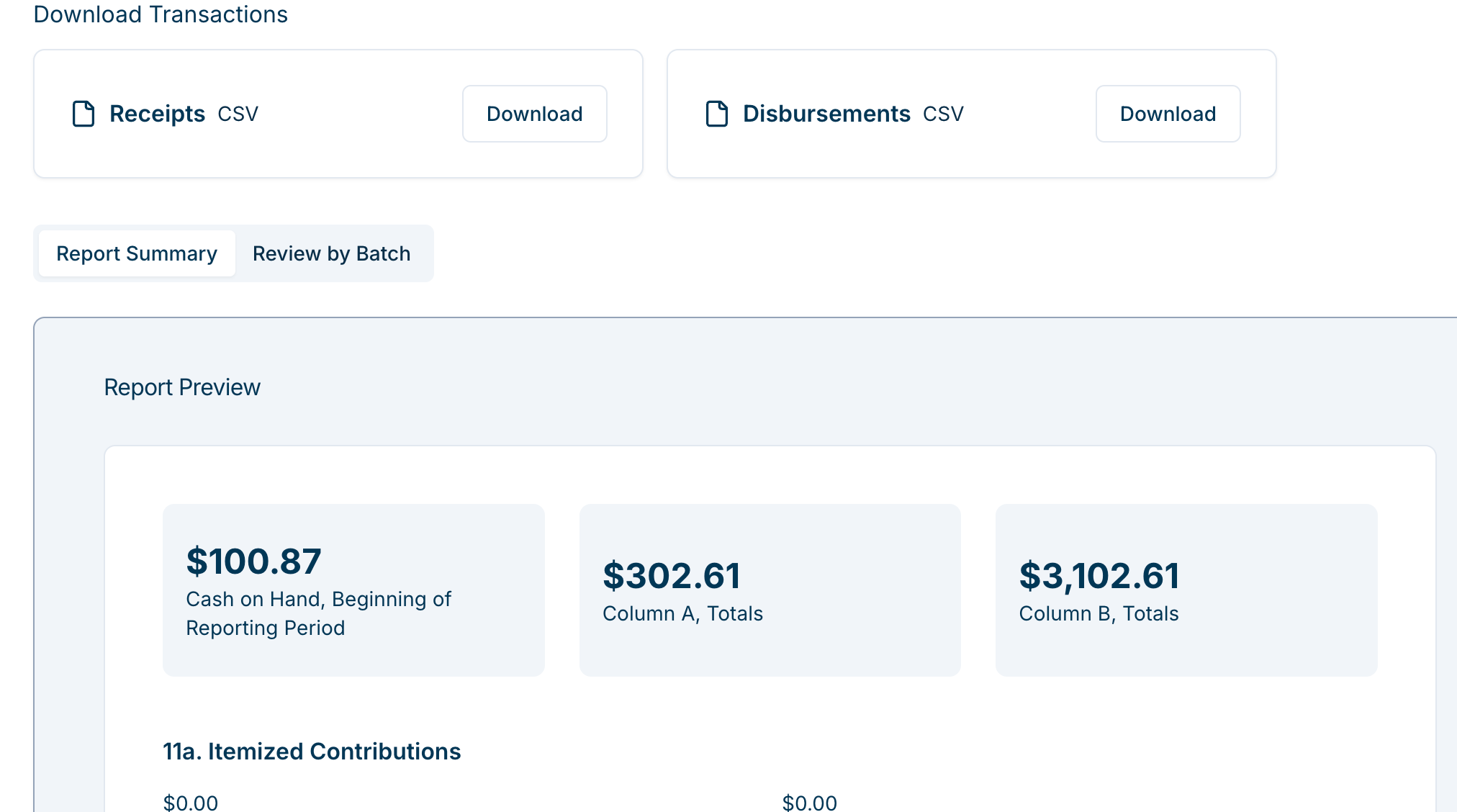
The Reconciliation Report generates both a Receipts CSV and a Disbursements CSV. You can also preview the entire Report, and review by Batch:
#### **Best Practices**
- **Be mindful of date ranges.** Use custom ranges to avoid pulling unnecessarily large reports.
- **Expect wait times.** Larger datasets will take longer to generate — allow the report to fully process before downloading.
- **Ask for help!** We’re available at [compliance@mywarchest.com](mailto:compliance@mywarchest.com).
- [Getting Started](https://support.mywarchest.com/en/compliance/getting-started?hsLang=en)
- [Transactions](https://support.mywarchest.com/en/compliance/transactions?hsLang=en)
- [Imports and Deposits](https://support.mywarchest.com/en/compliance/imports-and-deposits?hsLang=en)
- [Reconciliation](https://support.mywarchest.com/en/compliance/reconciliation?hsLang=en)
- [FEC Forms and Reporting](https://support.mywarchest.com/en/compliance/fec-forms-and-reporting?hsLang=en)
- [FAQ](https://support.mywarchest.com/en/compliance/faq?hsLang=en)
[](http://mywarchest.com)
[mailto:email@email.com](mailto:email@email.com)
Copyright © 2026, My Warchest, Inc.